Kentroid Samurai Avatar - VTuber-Style Avatar
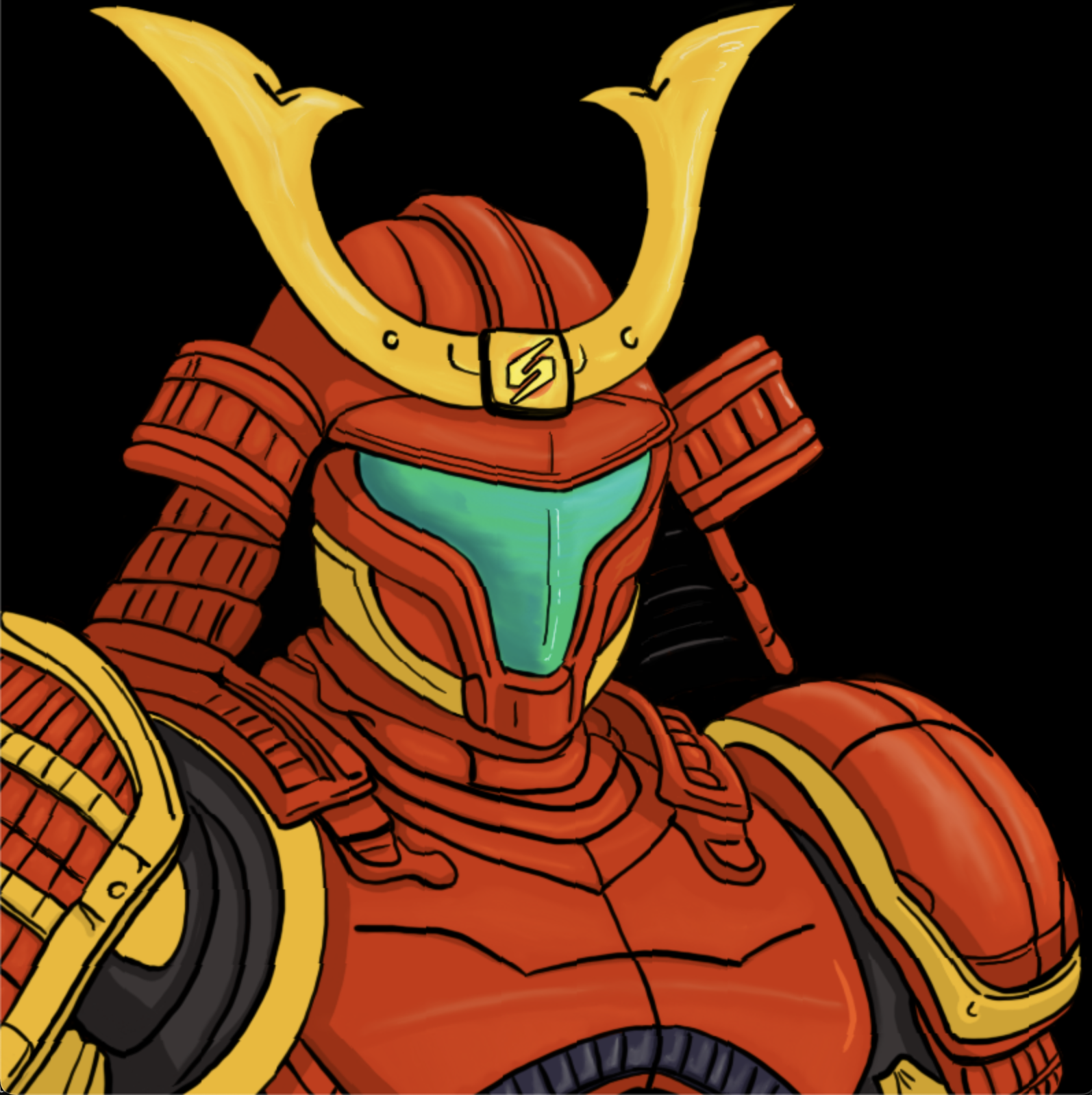
A VTuber-style avatar application featuring the Kentroid Samurai character with voice reactivity and multiple view modes.
Note: The GitHub repository for this project is private due to containing custom artwork assets.
Demo Videos
Quick Demo:
Longer Example:
Avatar + Techno + SM Kaizo Demo:
Features
- Voice Reactivity: Dynamic visor glow that changes color based on audio intensity
- Idle: Deep blue
- Low volume: Cyan
- Medium: Green
- High: Pink/Magenta
- Very high: Purple
- Multiple Zoom Levels (Z+1 to Z+0):
- Zoom 1 (Z+1): Full body view
- Zoom 2-4 (Z+2-4): Mid-body progressive zooms
- Zoom 5-9 (Z+5-9): Face/head progressive zooms (increasingly closer)
- Zoom 10 (Z+0): Maximum close-up
- Viewport Dimensions:
- Dimension 1 (D+1): 800x800 square
- Dimension 2 (D+2): 1200x800 widescreen
- Dimension 3 (D+3): 1920x1080 Full HD (OBS-optimized, 100px lower positioning)
- Backgrounds (B+1 to B+9):
- Black, Rainbow, Samus Ship (2 variants)
- Crateria, Brinstar, Hellway, Tourian
- CHAOS - Mathematical madness background
- Visual Effects:
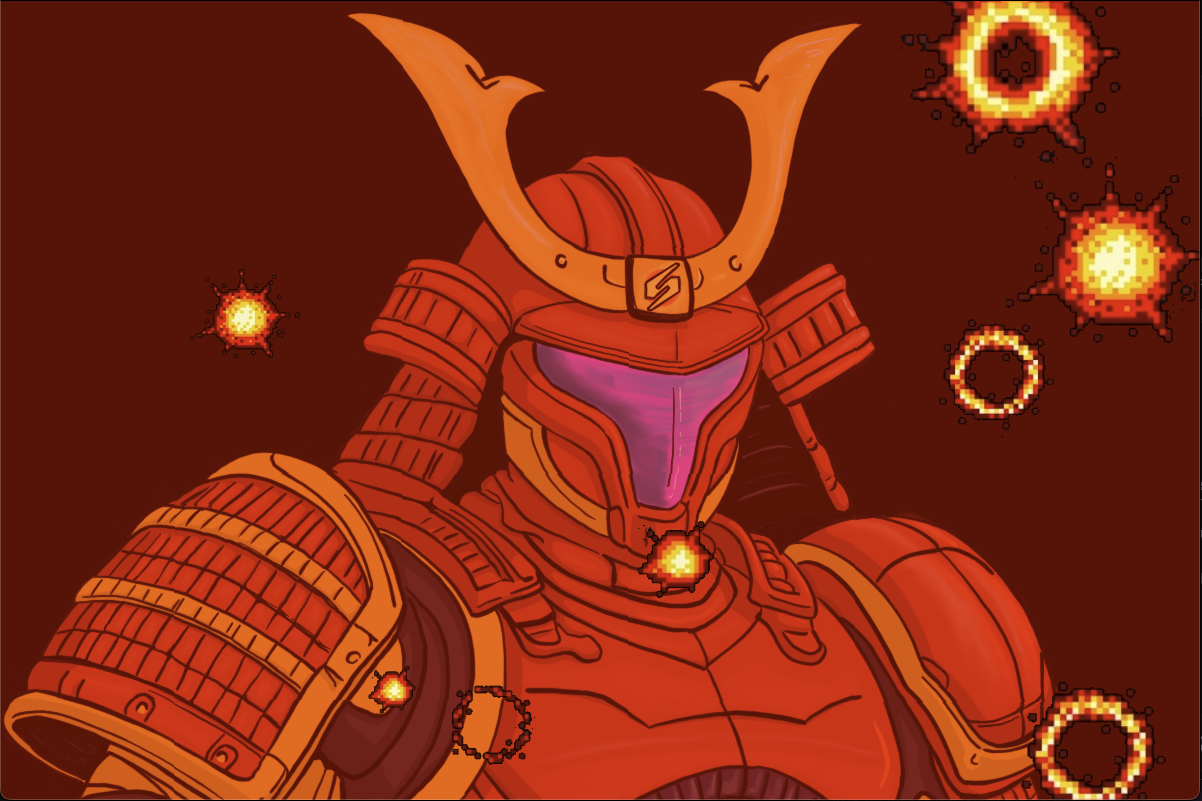
- Effect 1 (E+1): RAGE mode (red tint + explosions)
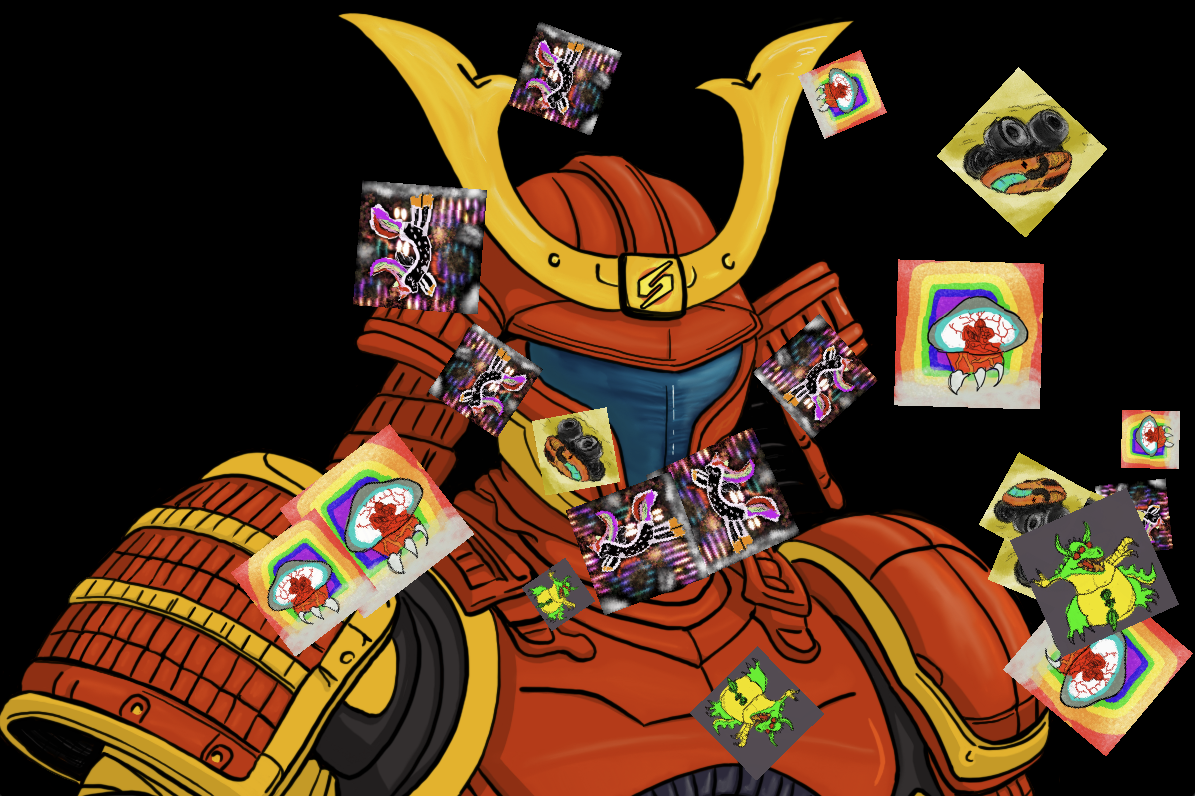
- Effect 2 (E+2): EMOJI PARTY (bouncing emojis)
- Effect 3 (E+3): PSYCHEDELIC mode (8 rotating neon patterns - auto-cycles every 5 seconds)
- Smooth Animations: Dynamic head rocking/bobbing patterns
- Microphone Input: Real-time audio detection with device selection
Installation
- Install Python 3.8 or higher
- Install dependencies:
pip install -r requirements.txt
Usage
Basic Usage
Run the application:
python pngtuber.py
Audio Device Selection
List available audio input devices:
python pngtuber.py --list-devices
Use a specific audio device:
python pngtuber.py --device <index>
Controls
Zoom Levels:
- Z + 1: Full body zoom
- Z + 2-4: Mid-body progressive zooms
- Z + 5-9: Face progressive zooms
- Z + 0: Maximum close-up (zoom 10)
Viewport:
- D + 1: Square viewport (800x800)
- D + 2: Wide viewport (1200x800)
- D + 3: Full HD viewport (1920x1080, OBS-optimized)
Backgrounds:
- B + 1: Black background
- B + 2: Rainbow background
- B + 3-8: Metroid-themed backgrounds (Ship, Crateria, Brinstar, Hellway, Tourian)
- B + 9: CHAOS background (Mathematical madness!)
Effects:
- E + 1: Toggle RAGE effect (red tint + explosions)
- E + 2: Toggle EMOJI PARTY effect (bouncing emojis)
- E + 3: Toggle PSYCHEDELIC effect (8 auto-cycling neon patterns)
- Patterns: Horizontal Waves, Vertical Waves, Diagonal Scan, Radial Burst, Checkerboard, Glitch Bars, Spiral, Plasma
- Auto-cycles every 5 seconds for constant variation
Position Fine-Tuning:
- Arrow Keys: Adjust Samus + visor orb position (±5px per press)
- Up/Down: Move vertically
- Left/Right: Move horizontally
- R: Reset position to center (X=0, Y=0)
- Use this to perfectly frame your character for OBS scenes!
Other:
- T: Toggle UI text overlay
- ESC: Quit application
Configuration File
The PNG-Tuber automatically saves your preferences to ~/.kentroid_samurai_avatar.json:
Saved Settings:
- Viewport/dimension selection
- Zoom level
- Background choice
- Position offsets (X/Y)
- Last audio device used
How it works:
- Settings are saved automatically whenever you make changes
- On next launch, your preferences are restored
- CLI arguments (like
--device) override saved config - Delete the config file to reset to defaults
Building as a Mac App
You can package the PNG-Tuber as a standalone macOS .app bundle:
# Install py2app (already in requirements.txt)
pip install py2app

# Build the app
python setup.py py2app

# The app will be in the dist/ folder
open dist/pngtuber.app
Use with OBS
To use this as an overlay in OBS Studio:
- Run the PNG-Tuber application (from command line or as a Mac app)
- In OBS, add a "Window Capture" source
- Select the PNG-Tuber window
Technical Implementation
Built with Python and Pygame, the avatar system features:
- Real-time Audio Processing: Uses PyAudio for microphone input and numpy for audio analysis
- Dynamic Visual Effects: Multiple rendering layers for backgrounds, character, effects, and UI
- Smooth Animations: Frame-based animation system with configurable timing
- Persistent Configuration: JSON-based settings storage for user preferences
- Cross-Platform Compatibility: Works on macOS, Windows, and Linux
- OBS Integration: Optimized viewport modes for streaming software compatibility
The application demonstrates advanced real-time graphics programming with Python, combining audio reactivity, visual effects, and user interaction in a polished streaming tool perfect for content creators and VTubers.
 Arrived
 Ninja Turdle
 Twitch