StreamPad - Web-Based Controller Input Visualizer
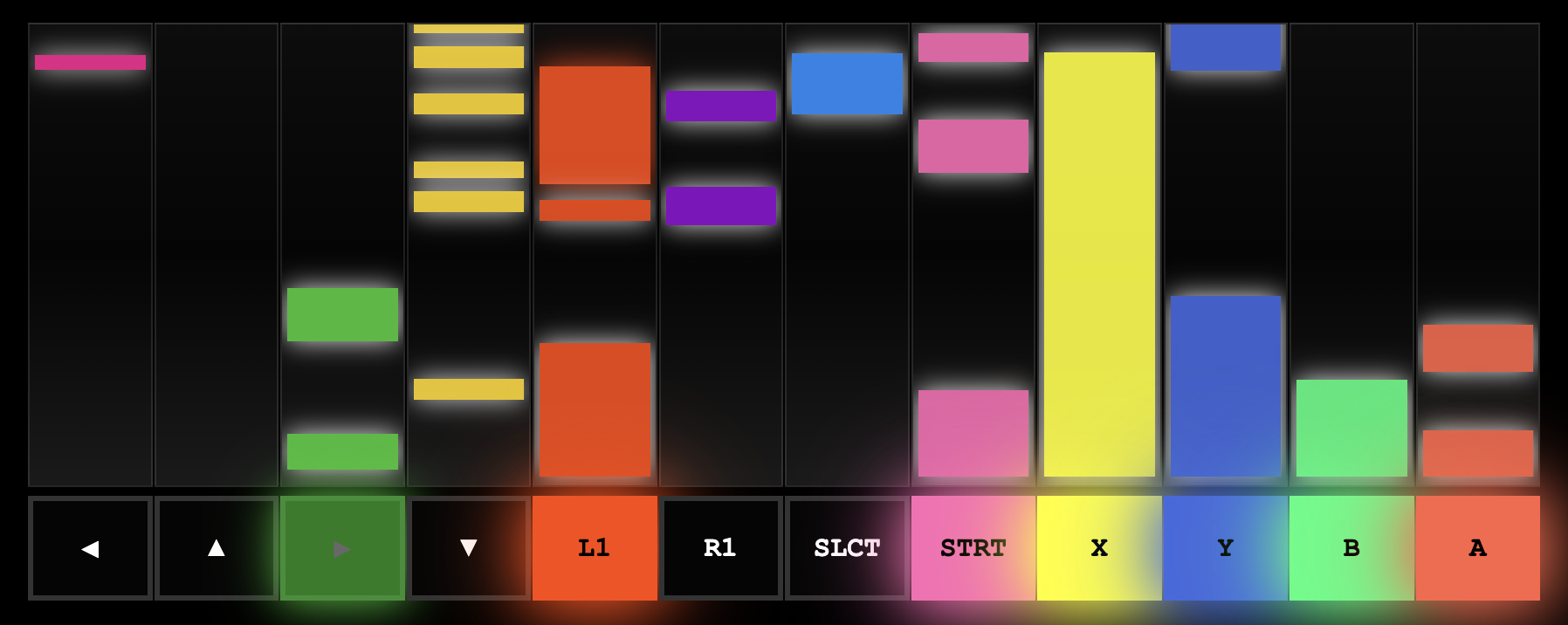
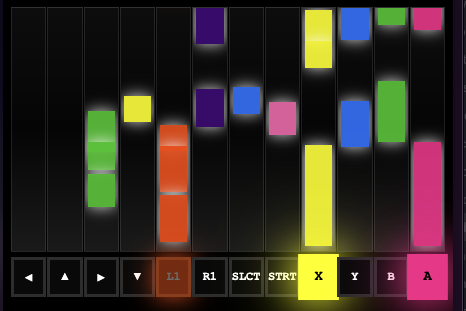
A web-based controller input visualizer that displays real-time button presses in a DDR/Guitar Hero style with colorful scrolling rectangles.
Note: The GitHub repository for this project is private.
Demo Video
Features
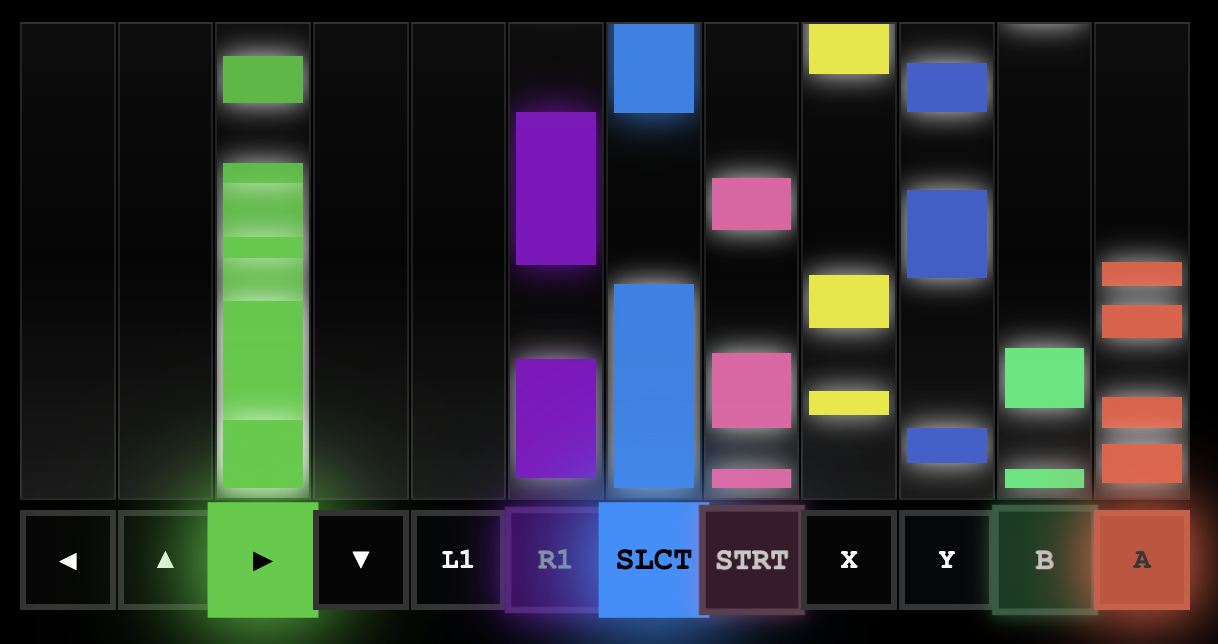
- DDR-Style Visualization - Button presses create colorful rectangles that scroll upward
- Real-time Input - Instant visual feedback with rectangle length matching press duration
- Multiple Controller Support - Works with Switch, Xbox, PlayStation, and more
- Zero Dependencies - Pure HTML/CSS/JS implementation
- Browser-Based - No installation required, runs directly in web browsers
Quick Start
- Open
index.htmlin a modern web browser - Connect your controller via USB or Bluetooth
- Press any button to see colorful rectangles scroll upward
- Hold buttons longer to create longer rectangles!
How It Works
- Tap a button → Short colored rectangle appears and scrolls up
- Hold a button → Rectangle grows longer while held, then scrolls up when released
- Each button has its own unique vibrant color
- Press ESCAPE to fix any stuck buttons
Supported Controllers
Fully Tested & Working
- Nintendo Switch Pro Controller - Full button mapping, D-pad via buttons
- Nintendo SNES Controller (USB/Switch Online) - Full button mapping, D-pad via axes
- PlayStation 4 (DualShock 4) - Standard mapping
- PlayStation 5 (DualSense) - Standard mapping
- Xbox Controllers - Standard mapping
- 8BitDo SN30 Pro - Standard mapping
Controller Issues?
If your controller isn't working correctly or shows phantom button presses:
-
Use the Debug Tool: Open
controller_debug.htmlto see exactly what your controller reports- Check button indices when pressing each button
- Check axis values for D-pad movement
- Use this info to understand your controller's layout
-
Check Browser Compatibility:
- Chrome/Edge: Best support
- Firefox: Good support
- Safari: May have quirks with some controllers
-
Try Different Connection Methods:
- USB vs Bluetooth can report differently
- Some controllers need specific modes (e.g., D-pad vs X-input mode)
Technical Implementation
Built with pure web technologies, StreamPad demonstrates:
- Gamepad API Integration: Uses the browser's native Gamepad API for controller input
- Real-time Animation: Smooth scrolling animations using requestAnimationFrame
- Dynamic Visualization: Rectangle length corresponds to button press duration
- Cross-Platform Compatibility: Works across different operating systems and browsers
- Responsive Design: Adapts to different screen sizes and orientations
Use Cases
Perfect for:
- Streaming Overlays: Show controller inputs during gameplay streams
- Input Testing: Debug controller issues and verify button mappings
- Educational Demos: Visualize game controls for tutorials
- Accessibility: Visual feedback for controller inputs
- Game Development: Test controller integration and responsiveness
Troubleshooting
Phantom Button Presses (Pro Controller Issue)
Controller Not Detected
- Try unplugging and replugging the controller
- Refresh the page after connecting
- Check browser console for error messages
Stuck Buttons
- Press ESCAPE key to clear all stuck states
- This is an emergency cleanup that resets everything
 Arrived
 Ninja Turdle
 Twitch